Customer Portal
Manage your InfusedWoo licenses, domains, downloads, invoices, and account settings.
The InfusedWoo Customer Portal at infusedwoo.com/portal is where you manage everything related to your license and account.
Signing In
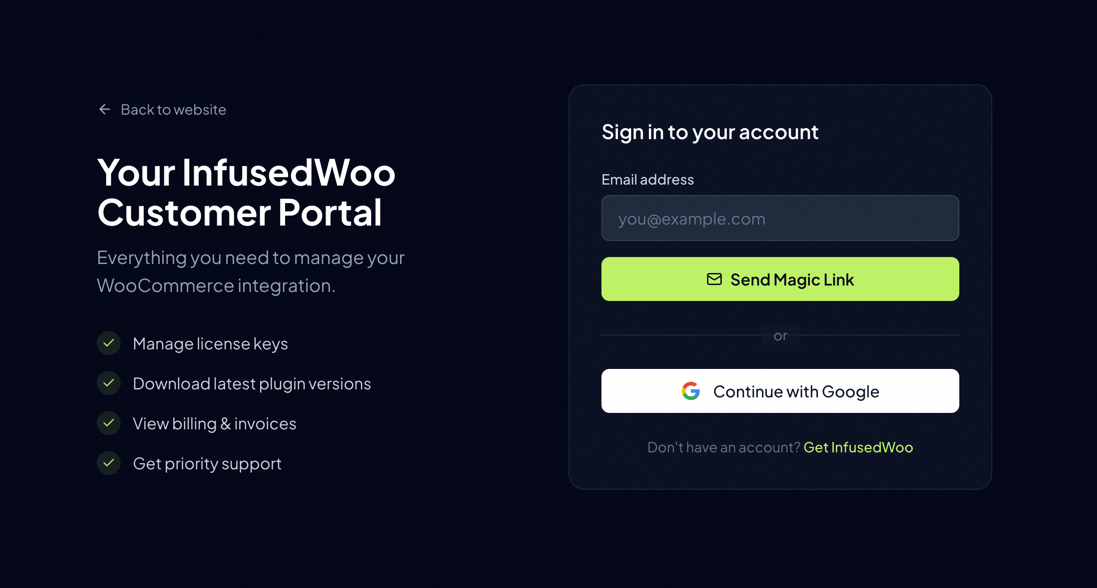
InfusedWoo uses passwordless authentication — there are no passwords to create, remember, or reset. You sign in two ways:
- Magic Link — Enter your email address and click “Send Magic Link”. Check your inbox for a one-time sign-in link (expires in 15 minutes).
- Google — Click “Sign in with Google” to authenticate instantly with your Google account.
Why Passwordless?
We chose passwordless sign-in because it’s both simpler and more secure:
- No passwords to steal — We don’t store passwords, so there’s nothing for attackers to breach. Even if our database were compromised, there are no password hashes to crack.
- No password reuse risk — Many people reuse the same password across sites. A breach on another service can’t affect your InfusedWoo account.
- No weak passwords — There’s no risk of “password123” or dictionary attacks.
- No password reset flow — Forgot your password? That’s not a thing here. Every sign-in is a fresh, secure link.
- Phishing resistant — Magic links are tied to your specific session and expire quickly, making them much harder to phish than traditional credentials.
Security Tips
To keep your account secure with passwordless auth:
- Keep your email inbox private — Your email is your key to the portal. Don’t use a shared email address for your InfusedWoo account.
- Never share your magic link — Each link is meant for you only. Don’t forward sign-in emails or paste the link in chat.
- Use a secure email provider — Enable two-factor authentication (2FA) on your email account (Gmail, Outlook, etc.). This adds a second layer of protection.
- Check the sender — Emails from InfusedWoo always come from
@infusedaddons.comor@infusedwoo.com. If you receive a sign-in email you didn’t request, someone may have typed your email by mistake — you can safely ignore it. - Don’t sign in on public computers — If you must, use your browser’s private/incognito mode and close the window when done.
- Sessions expire automatically — Your portal session lasts 30 days. After that, you’ll need to sign in again.
Portal Overview
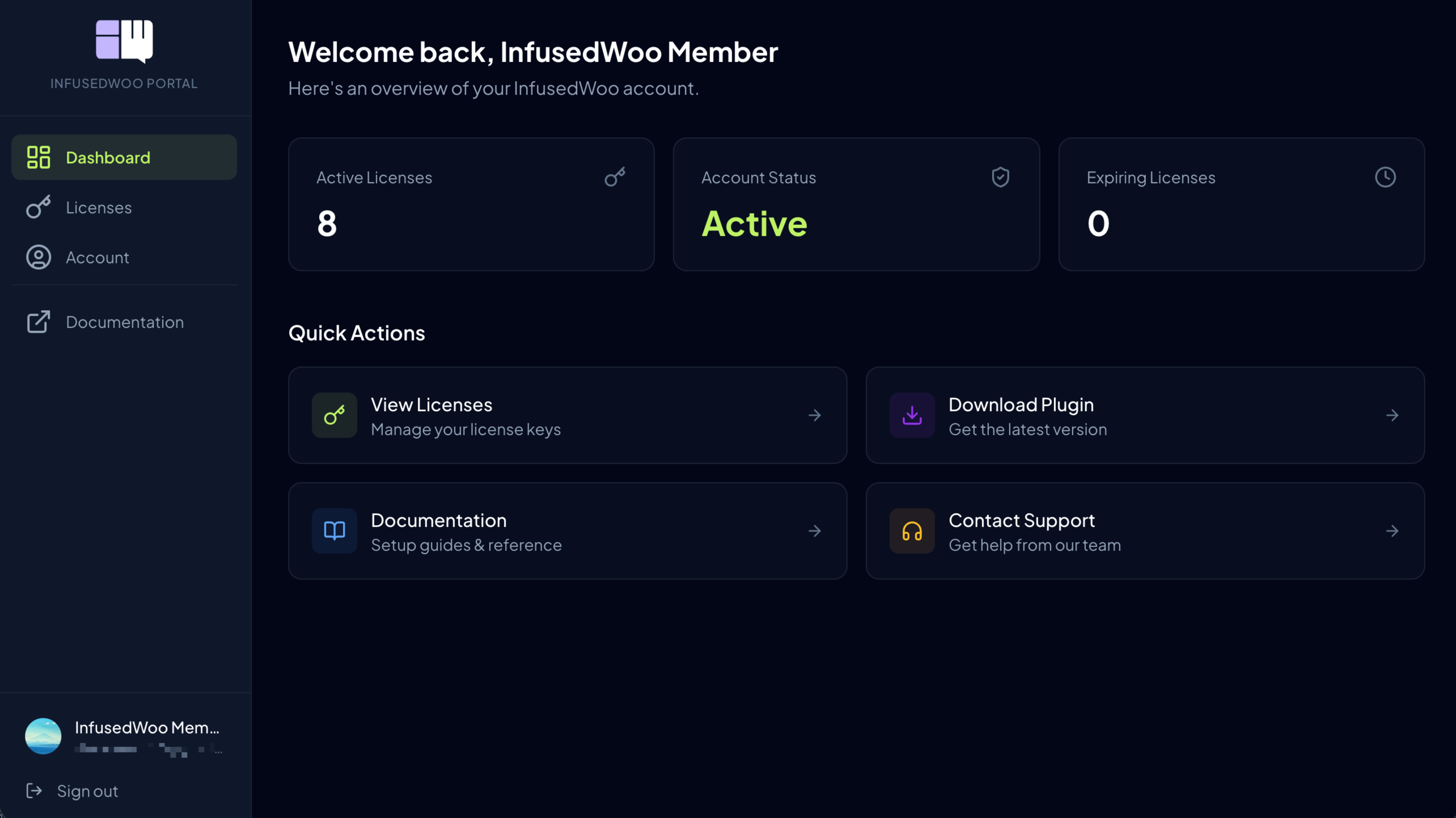
Once signed in, the portal dashboard gives you quick access to:
- Licenses — View and manage all your InfusedWoo licenses
- Account — Update your profile, company info, and payment methods
- Invoices — View and download invoices for all purchases and renewals
- Downloads — Download the latest plugin version
Portal Sections
- Managing Licenses — View license details, download the plugin, manage domains, renew, and upgrade
- Domain Management — Activate, deactivate, and manage sites connected to your license
- Account & Billing — Update your profile, company details, payment methods, and view invoices